

Start with the project folder.
The proposals, scope documents and research you choose, ready to draw on.
iRocket Meetings · Integrations
Bring your calendar, email and project knowledge into the conversation. Put the decisions to work in your tools.
In development. First connections: Google Calendar, Gmail and GitHub.


 iRocket

 Tomorrow’s focusTasks + project context
Your project knowledge
Connect the folders and repositories you choose. Bring the people, proposals and decisions behind the project into your next conversation.
The proposals, scope documents and research you choose, ready to draw on.
Repository documentation and merged work, with links back to the source.
“Which pages are included?”
A new product page, customer stories and a revised help center.
Launch proposal · Scope
Google Calendar + Gmail
Know who’s coming, what you last discussed and the promises still open. Bring your calendar, relevant emails and relationship history into a brief you can review.
Google Calendar“Bring the revised scope.”
Our next stepsI’ll send the revised scope.
You’ll confirm the decision date.
Ready to edit and send in Gmail.
Put decisions to work
Update a CRM record. Create an assigned task. Share a recap. Review what goes where, with the call’s context attached.
“I’ll send the
revised proposal.”

Add the decision and next step to the right CRM record.

Create a project task with an owner and the agreed deadline.

Share a reviewed recap where the team already works.
Planned workflows through Composio. Supported actions will be confirmed at release.
Powered by Composio
apps in Composio’s catalog.
Your everyday tools are the starting point.
GmailGoogle Calendar Google Drive
 Google Sheets
 OutlookSlack
 NotionGitHubLinear
 FigmaHubSpot
 Salesforce
 Mailchimp
 Zendesk
 Intercom
 Shopify
 Stripe
 SentryThe work after the call
Send the commitments you approve to the right ELITE project. Keep the deadline, the notes and the reason behind the work together.ELITE sync is in development.
“I’ll finish the
auth feature.”
Wake up knowing what needs your attention—and what you’re waiting on.
Good morning, Sarah
Let’s set you up for a great day
Today’s focus
Ship the auth feature
On track to finish by Thursday.
Let the work speak for you
Your ability should matter more than your job title, where you studied or who you know.
Explore ELITE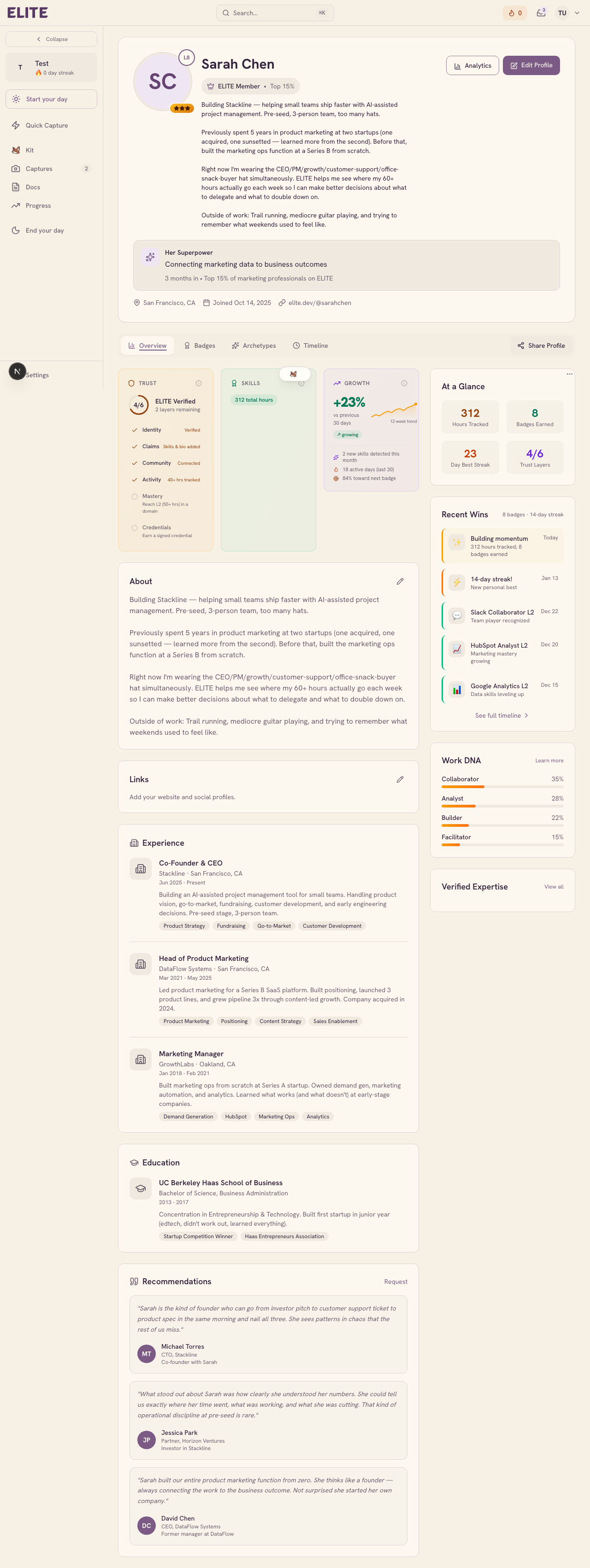
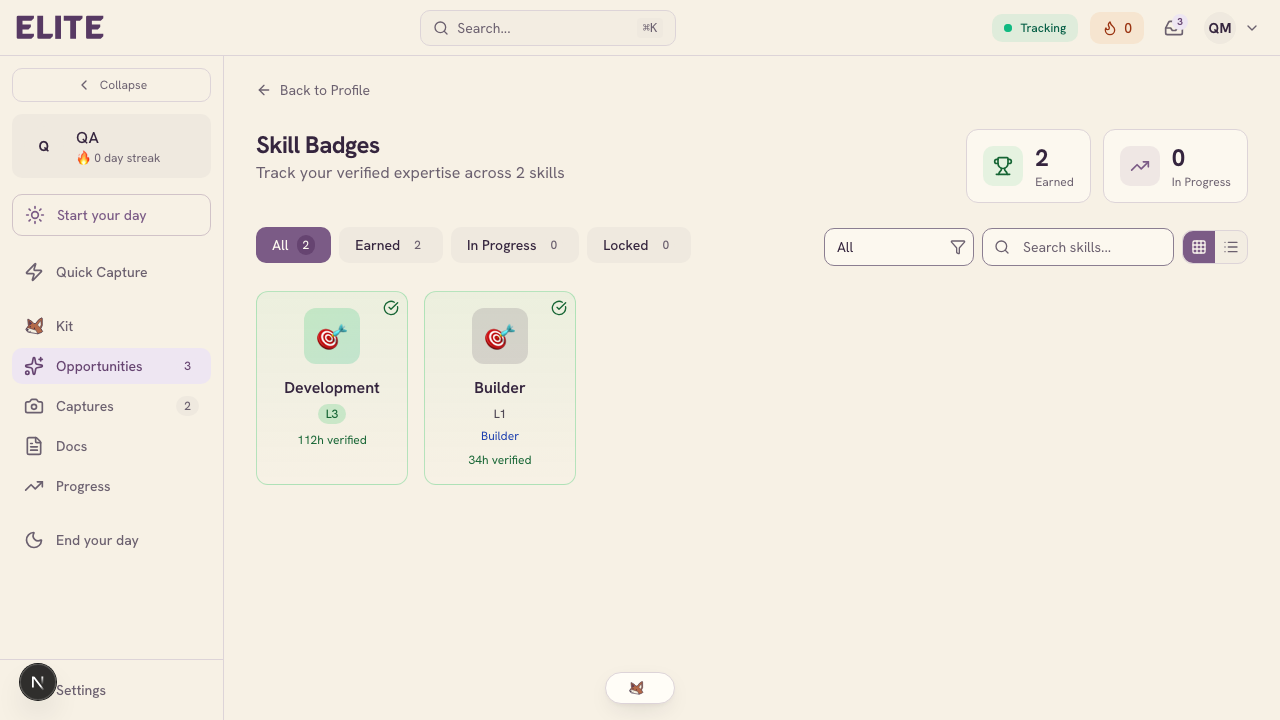
Eligible, verified work can earn skill badges and signed credentials you choose to share.
For a client, employer or collaborator.Credentials come from qualifying work and earned badges, with signing on eligible plans.
For your own workflows · MCP
Extend the workflow with compatible MCP servers, in both directions.
Connect a compatible MCP server to use additional tools and data in your workflow.
Let compatible assistants consult the calls and project knowledge you choose to make available.
The conversation is a starting point.
Tell us about the calls you run.
We’re letting people in a few at a time.